
Once you install v2.15.0, your Accordion Blocks will be changed to the native Accordion Blocks with all your innerblocks still intact. We advise that you review your page and see any breaking changes before you save the page/post.
If you’re on version < 2.15.0:
To add an Accordion block, click the Toggle block inserter ( + ) in the top left corner of the Gutenberg editor and select Accordion.
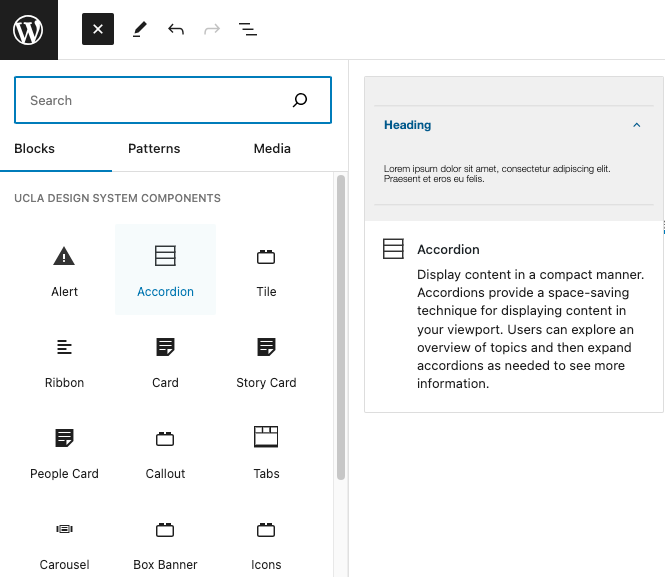
A preview of two Accordion should appear where you can add the heading and body content.
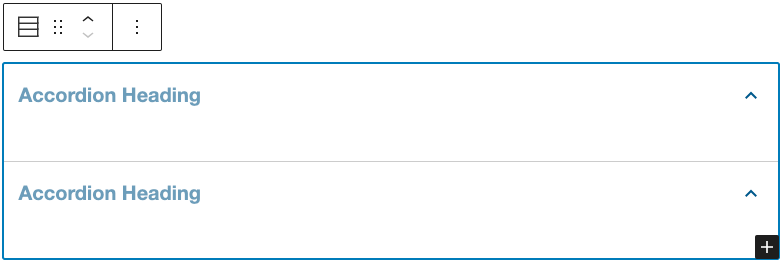
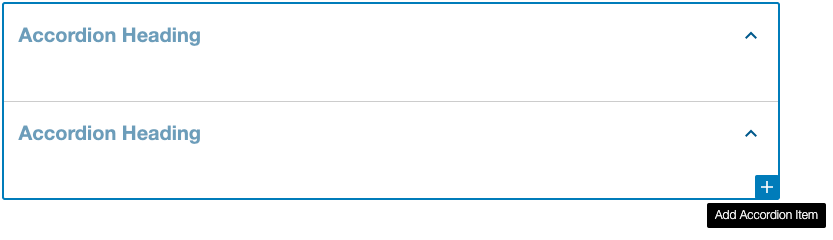
Click on the plus ( + ) button on the bottom right of the accordion to add more accordion items.
To remove an accordion item, go to the Document Overview > List View. Select the Options for the Accordion Item you want to remove and Delete.

To add body content, click inside an accordion item and a block inserter should appear inside.

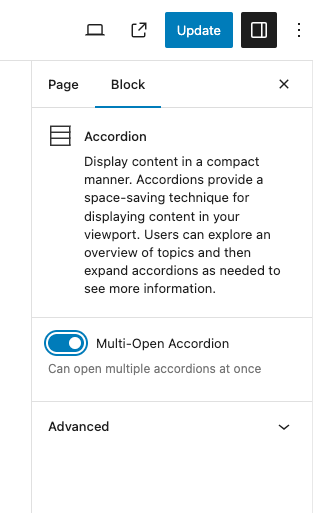
By default, the Accordion allows you to only open one item at a time. If you would like to have the accordion open multiple items at a time, simply enable the Multi-Open Accordion setting in Block Settings
For editing purposes, the Accordion will always be in the open state. They will be closed once you view the page.